01
Start with their words
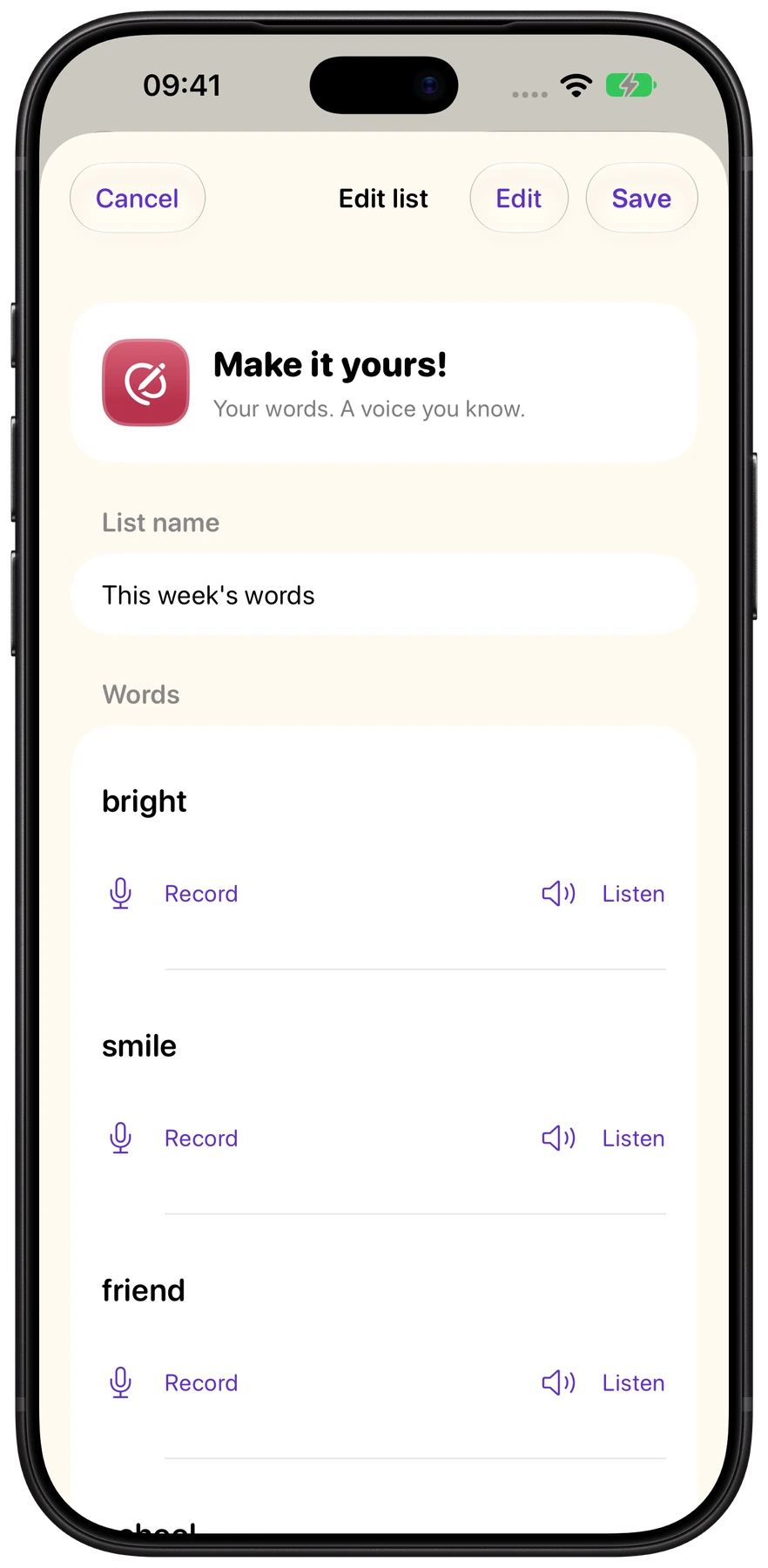
Type or paste this week’s school spellings, or pick a built-in list. Keep practice focused on the words that matter to your child.

WEEKLY WORDS & SPELLING PRACTICE
MySpellings
Make this week’s spellings feel achievable. Your own word lists, familiar voices and three bright ways to learn.

Returning to the App Store · Preview the refreshed MySpellings
MADE FOR EVERYDAY PRACTICE
Type or paste this week’s school spellings, or pick a built-in list. Keep practice focused on the words that matter to your child.
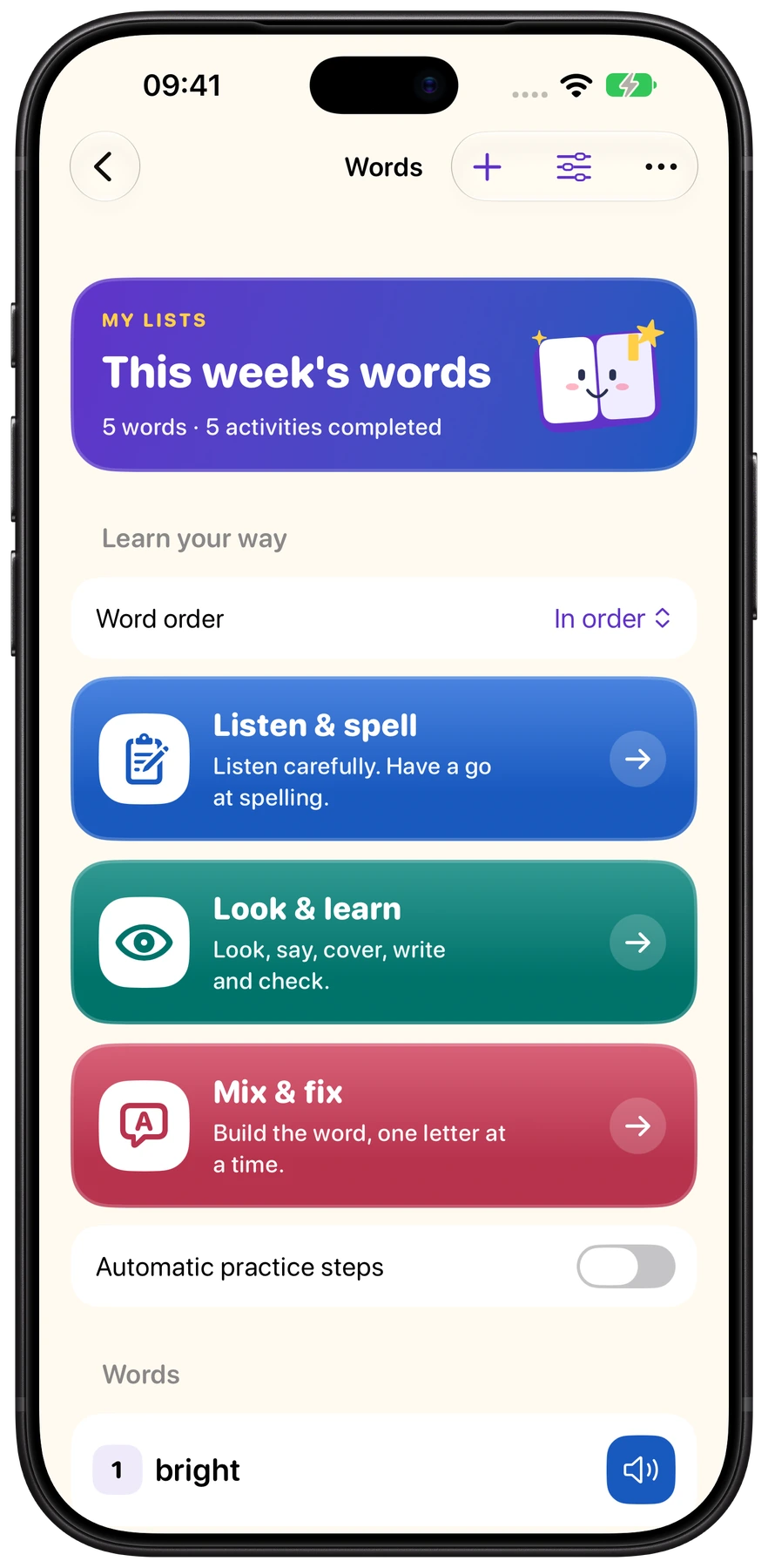
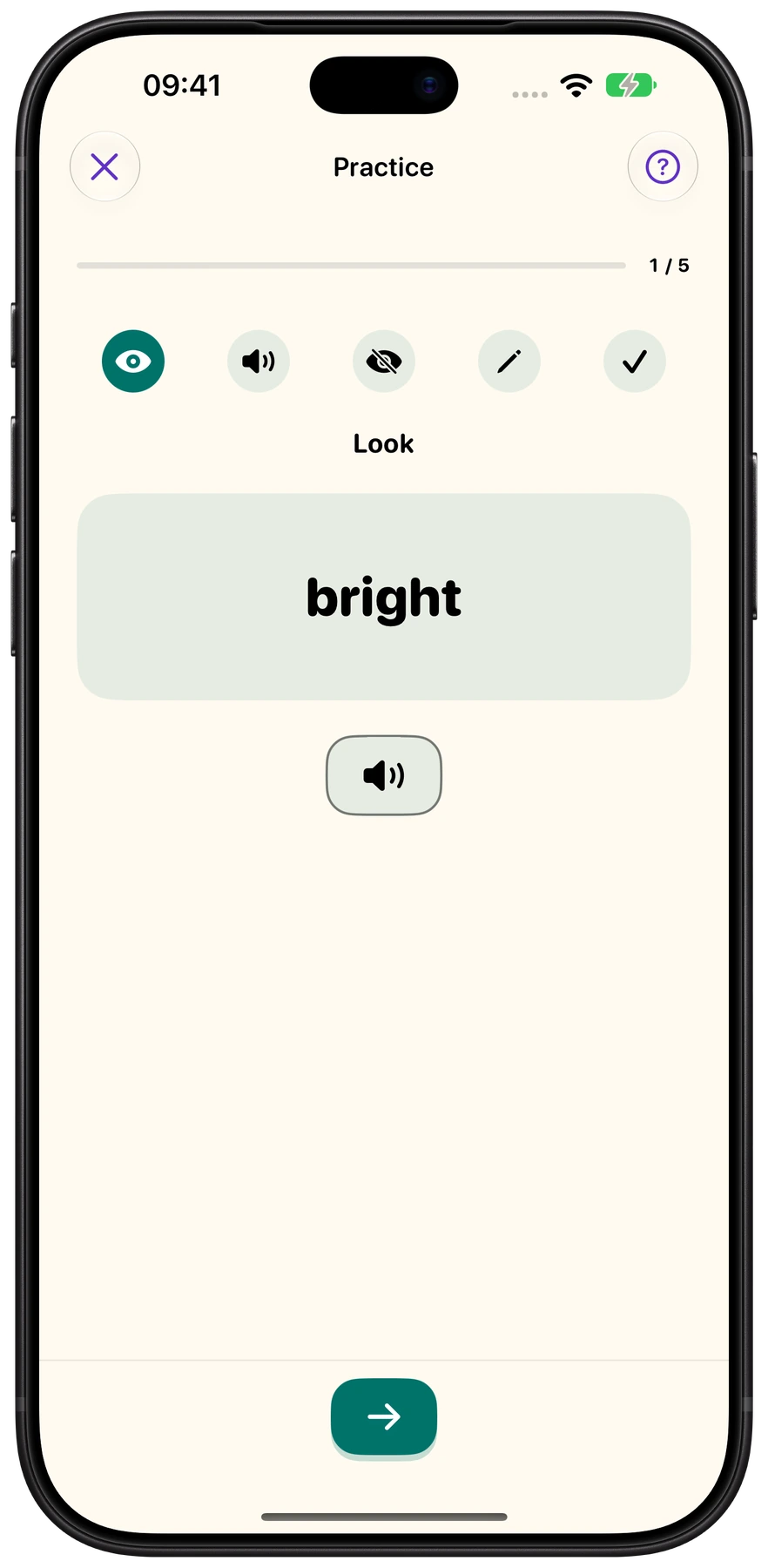
Listen & spell, Look & learn, or Mix & fix. Three focused activities give children different ways to practise, one word at a time.
Record yourself saying each word, or use a built-in English voice. Listen again whenever you like and practise at your own pace.
BUILT AROUND YOUR CHILD
Keep the focus on the word with clear screens and colourful activities. Revisit saved results, try words in a different order and celebrate progress at their own pace.
The refreshed app stores lists, recordings and results on the device where you create them. They do not automatically sync between devices.
GOOD TO KNOW
MySpellings is returning to the App Store. The button on this page links to its existing listing; downloads will be available when Apple restores the app.
Yes. Add words individually or paste a list, then use them in the practice activities.
Yes. Record each word in a familiar voice, or use an installed English system voice. Microphone access is only needed for recording.
The refreshed app is designed as an update to the existing MySpellings app, preserving saved lists, results and recordings.
Get in touch with EpicBlu. We welcome questions, feedback and suggestions.